MELTY GAME
MASHUPS
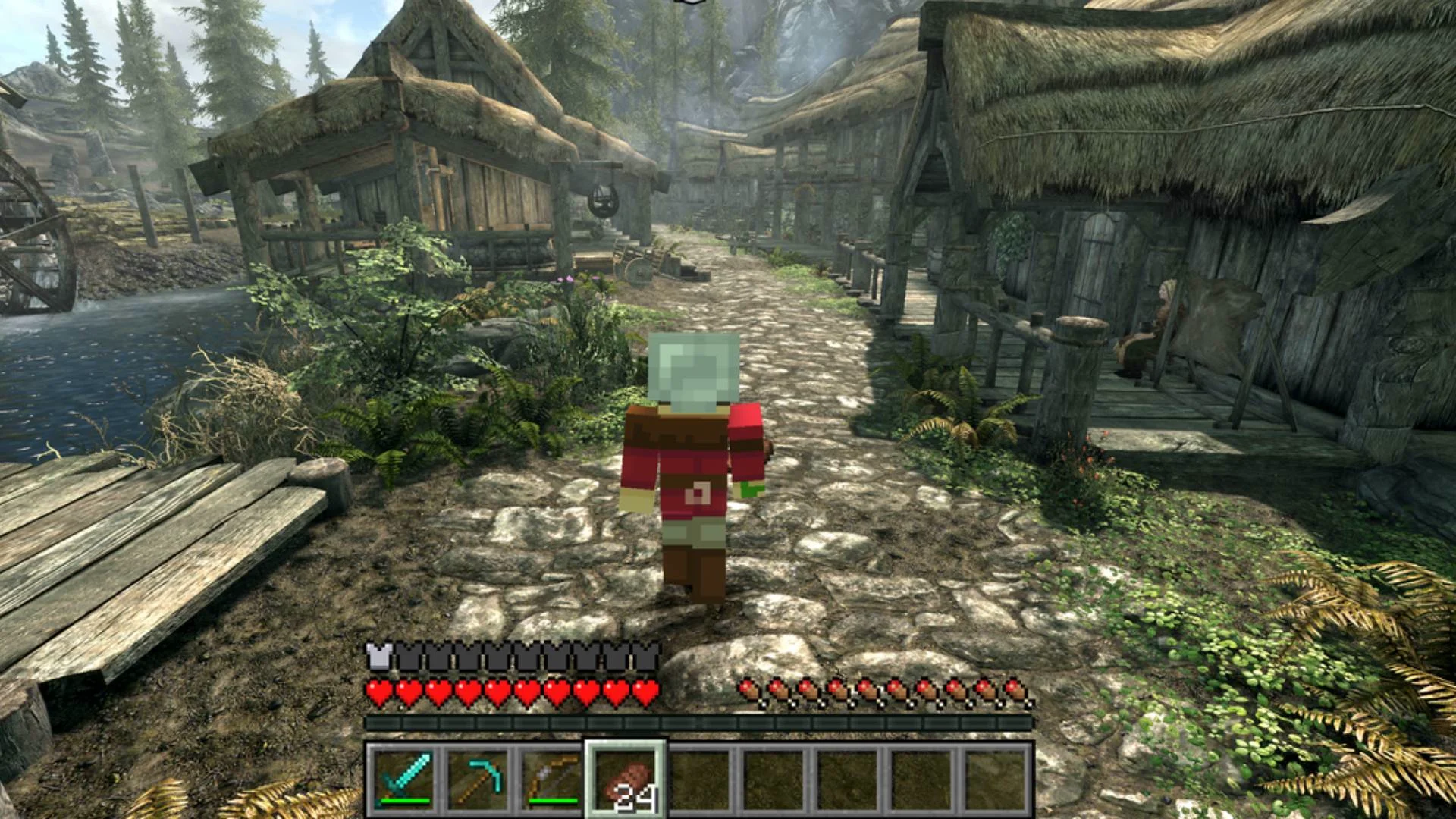
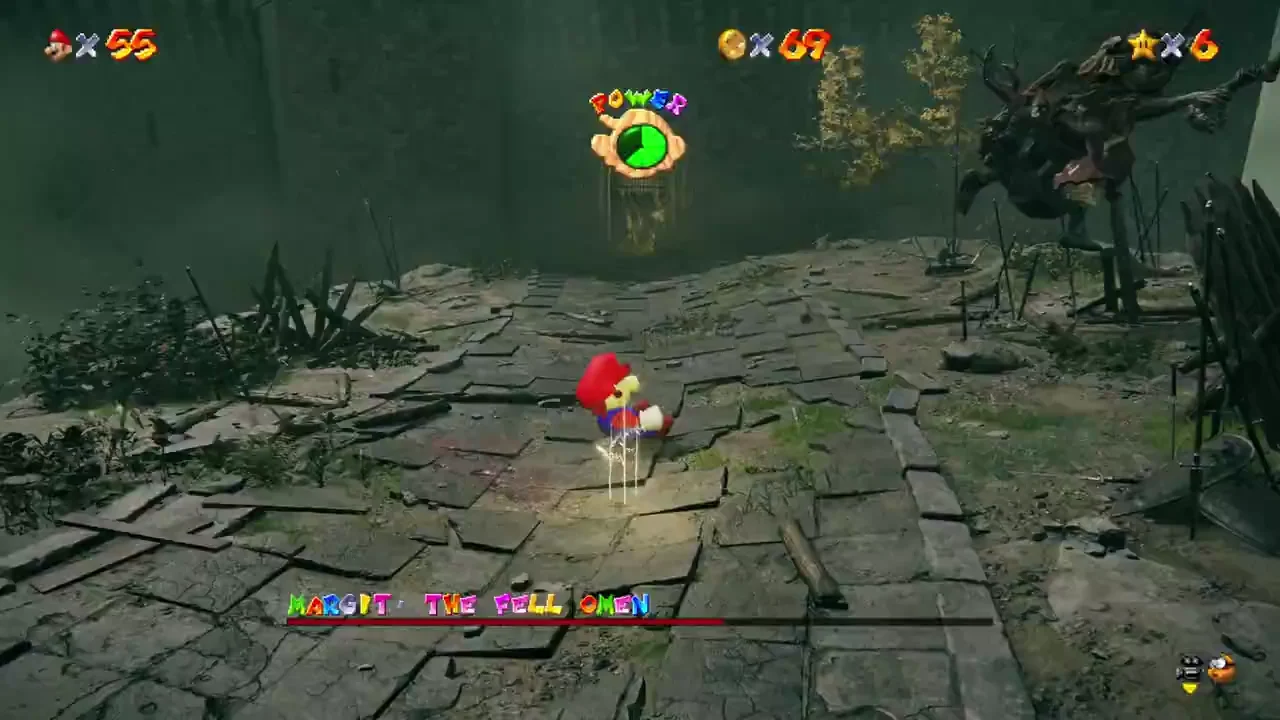
Seen Skyrim mixed with Minecraft? Melty is a Windows app for discovering game mashups and creating them with a coding agent. Here’s where to start and what to check before you try one.
Merging Games is independent of Melty. We reviewed its public site; we have not installed its app or played these mashups.
- Platform advertised
- Windows
- Games required
- The games used by your mashup
- Our check
- Publisher source reviewed
What is Melty?
Melty presents mashups as mods that join separate games. Its site describes two routes: choose an existing mashup to install, or give its instructions and your idea to Claude Code or Codex to create one.
A useful starting brief names a specific mechanic: a portal puzzle in a platformer, or block-building inside another world. Check the target game’s modding support and the project’s requirements before treating a pairing as compatible.
Playing a mashup and creating one are different tasks
- To try an existing project: open the official Melty site, check its current download and the individual mashup’s requirements, then follow the publisher’s setup instructions.
- To create a project: Melty describes giving its instructions to a coding agent along with a mashup brief. Start with one mechanic and check the resulting code, dependencies and behavior in the target game.
For a broader planning checklist, read how to start merging games with AI. That guide explains the prototype steps; it is not a tested Melty installation tutorial.
What should I check before downloading?
- Your platform. Melty’s current landing page advertises Windows. We have not confirmed a macOS, Linux or browser-play route.
- Your games. The publisher says mashups use games you own. Check the particular project’s editions, versions and dependencies rather than assuming every game pair works.
- Files and saves. Read the project’s installation and removal instructions, and back up affected saves before changing a game.
- The actual release. A named example or video shows what a publisher presents. It does not establish that we have downloaded, installed or successfully played that build.
Is Melty free?
Melty’s FAQ currently describes its app and mashups as free. You still need the required games. Check any separate coding-agent plan or usage charges if you want to create a mashup; the publisher’s free-app statement does not establish those costs.
Are Melty’s mashups safe or verified?
The publisher says it checks uploads for dangerous files. That is its screening claim. Our availability labels record the evidence we checked, and these Melty examples remain publisher showcases with play unverified.
What if I want a creator release to inspect?
Mari0 has a creator download listing for its Mario-and-Portal fan game. NucleDoom has a mod listing for running DOOM in Minecraft. They are separate projects with their own setup, not Melty installations. You can also browse all author download listings.
Source and review date
Publisher information checked : Melty’s official site and FAQ. Platforms, pricing and releases may change. This is a source-review date, not a gameplay-test date.