DOOM on Persona 5 Royal’s retro game console
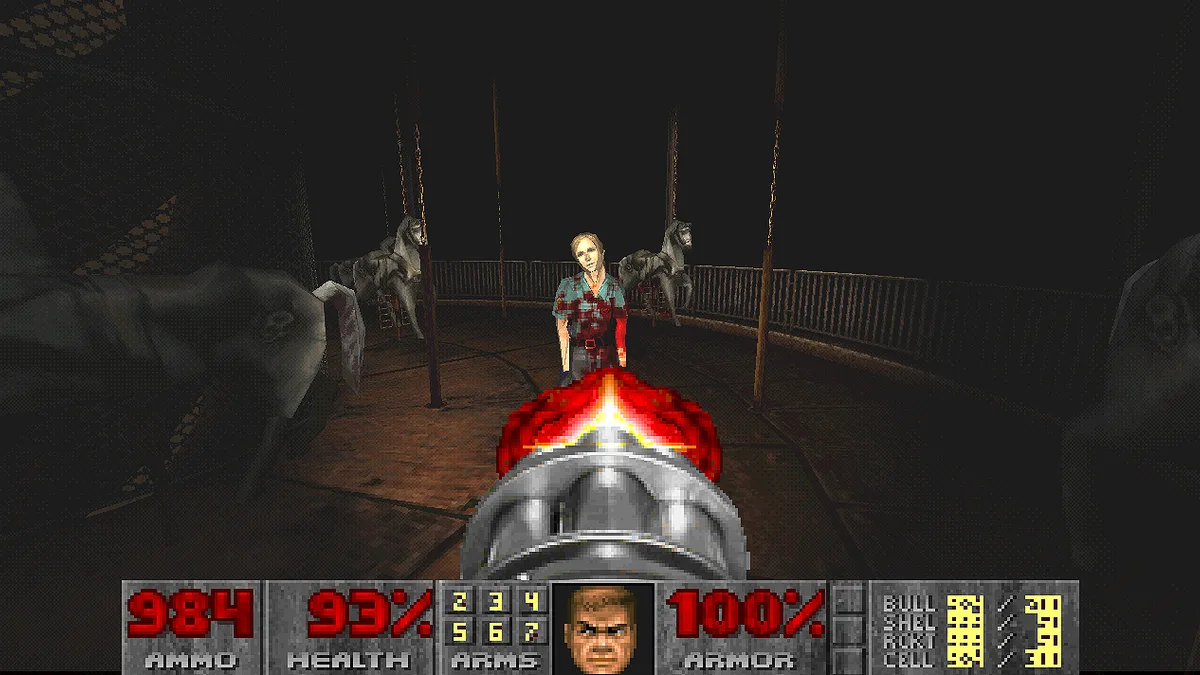
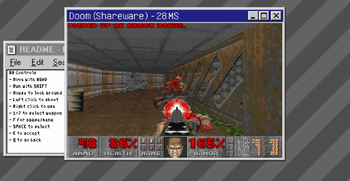
DOOMSona runs a modified Chocolate Doom inside Persona 5 Royal’s retro game console. It includes DOOM Shareware, Freedoom Phase 1 and 2, and Chex Quest. Players can add their own commercial DOOM or DOOM II WADs. Keyboard, mouse and gamepad input, saves, custom WAD support and Persona social-stat or item rewards are documented. Version 1.1.0 was published on May 6, 2024 UTC. This older release was added to the catalog on October 28, 2026.
What you need
Windows, Persona 5 Royal for PC, Reloaded-II, and the creator’s DOOMSona 1.1.0 package. Commercial DOOM 1, Ultimate DOOM and DOOM II WADs are not included; supply your own files if you want those versions. The included shareware, Freedoom and Chex Quest options do not need those commercial WADs.
How to get started
- Read the GameBanana creator page and the source repository. Back up the Persona 5 Royal mod setup before changing Reloaded-II packages.
- Install DOOMSona through Reloaded-II or use the manual package from the creator page. The creator package includes executable files, so review its source and file list before use.
- In Persona 5 Royal, reach June 5 and buy the DOOM Shareware cartridge from the Secondhand Shop in Yongen-Jaya. Complete it on any difficulty to unlock the other documented cartridges.
- Use Reloaded-II’s Configure Mod action to manage WADs, PWADs and keyboard settings. Supply your own commercial WADs where required.
Was this made with AI?
No AI involvement is documented on the checked creator page or source repository.
Original sources
We checked these pages on . This is a source-review date, not a claim that the game was updated or tested that day.