Minecraft building and combat inside Left 4 Dead 2
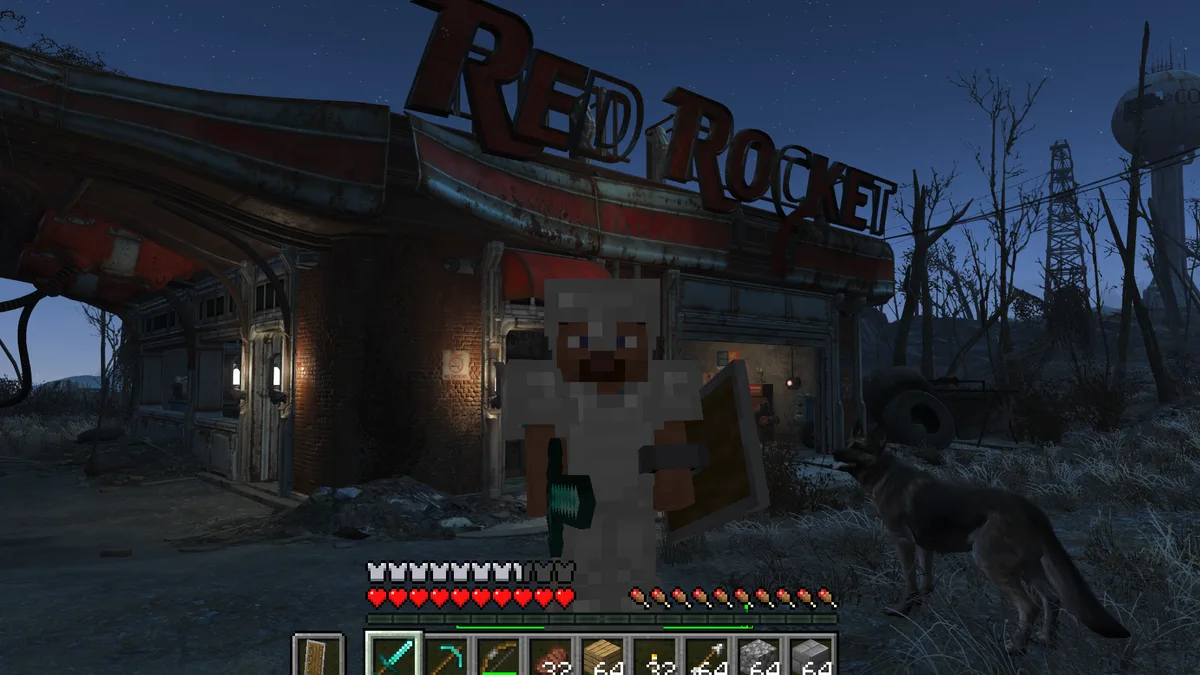
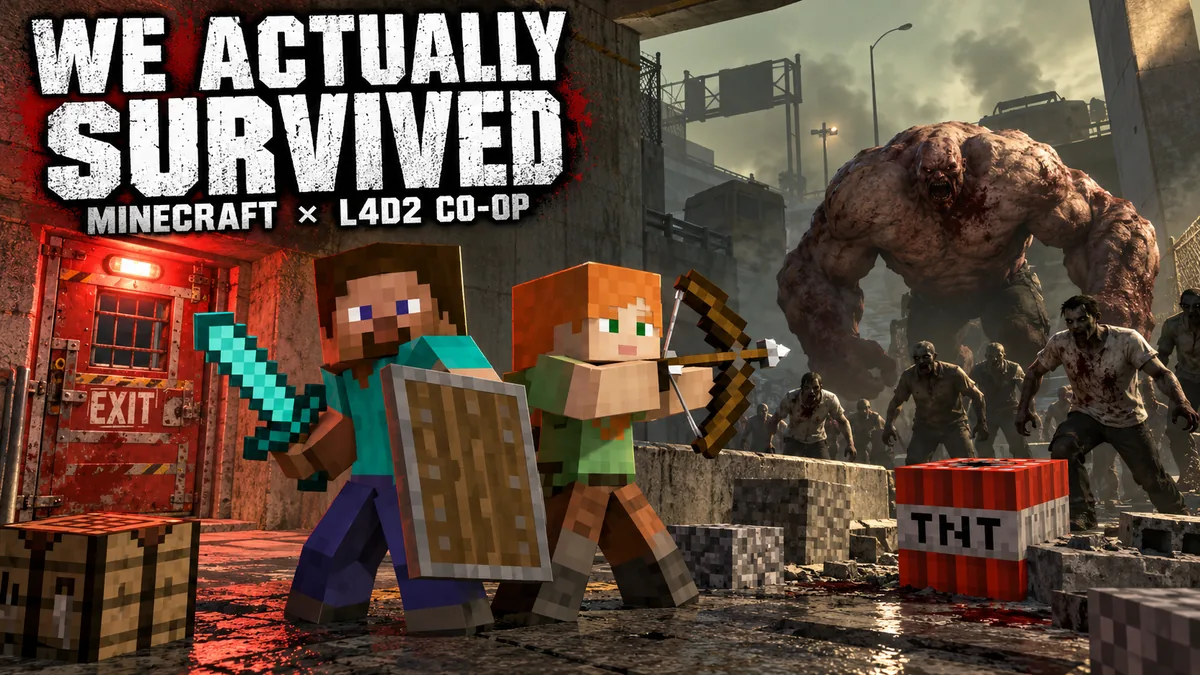
L4D2 × Minecraft runs both games together. Left 4 Dead 2 supplies maps, movement and infected, while Minecraft supplies blocks, inventory, items, mobs and player models. The bridge connects building, melee, shields, health, supplies, Elytra flight and selected mobs across both games. Version 2.0.12 adds Quality, Balanced and Low-end Minecraft rendering presets plus bounded performance work. The author published it on October 13, 2026 UTC, or October 14 in China. This older release was added to the catalog on October 22.
What you need
Windows 10 or 11 with .NET Framework 4.8, Steam Left 4 Dead 2 in a local -insecure Direct3D 9 session, Minecraft Java 26.3 with Java 25, Fabric 0.19.5 and Fabric API 0.161.0+26.3, 32-bit ReShade 6.8.0 with add-on support, and the official Left 4 Dead 2 Authoring Tools. Use your own copies of both games.
How to get started
- Download L4D2MC-Companion.exe from the author’s v2.0.12 release. The executable is unsigned; review the source, hashes and instructions before use.
- Open Setup, confirm the detected folders and choose a permanent project folder. Install the official Authoring Tools if needed, then close both games and choose Update and install.
- Launch the generated L4D2MC-Fabric-26.3 profile through your normal Minecraft launcher. Keep Minecraft rendering and do not minimize it.
- Open Play in Companion, choose the map, resolution and performance preset, then start the mashup. Keep Companion open until Left 4 Dead 2 closes.
Was this made with AI?
The author says OpenAI Codex and collaborating agents developed code, debugging, tests and documentation. The README cover illustration was made with OpenAI imagegen. This is the author’s disclosure; it does not measure each contribution.
Original sources
We checked these pages on . This is a source-review date, not a claim that the game was updated or tested that day.